5 Top AI Autoblogging Tools for Seamless CMS Integrations
You publish on WordPress or Shopify, and drafting posts eats your week. Many platforms stall when they cannot push content straight into your CMS, so you copy and paste instead. That is the real reason people start comparing tools.
This article gives you concrete criteria for judging AI autoblogging tools on CMS integrations, then walks through five options, including Autoblogging.ai, so you can match a tool to your platform and workflow and leave with one clear pick.
What to Look For in AI Autoblogging Tools with CMS Integrations
When evaluating AI autoblogging tools with CMS integrations, the quality of the integration itself often matters more than the AI's writing ability, because a seamless connection determines whether you can publish automatically or waste hours on manual exports.
A tool that generates brilliant articles but cannot push them to your site is little more than a text editor with extra steps. The checklist below covers the factors that separate genuine content automation from tools that only look good in a demo.
Native CMS support sits at the top of the list. Native integrations for WordPress, Shopify, Wix, Squarespace, Joomla, Drupal, Ghost, and Webflow mean the tool connects directly to your platform's publishing system. No copy-paste, no CSV files, no reformatting.
Native support also reduces breakage. When a platform updates its editor or database structure, a native integration usually keeps working. A workaround built on manual exports often does not.
Next, check API connectivity and plugin compatibility. A published API lets the tool talk to your CMS programmatically, which matters for automated publishing and scheduled posts. A dedicated plugin can simplify setup for non-technical users.
- API connectivity: enables direct publishing, status checks, and bulk content generation without manual steps
- Plugin compatibility: determines how easily the tool installs and runs inside your existing CMS
- Fallback options: some tools offer export files or email drafts when a direct connection is unavailable
Scheduling options shape your workflow just as much. Look for a content calendar that lets you queue articles days or weeks ahead, plus support for scheduled posts at specific times. Without scheduling, every publish becomes a manual task.
SEO features deserve equal scrutiny. Keyword research, meta tags, internal linking, and external linking all affect whether generated content ranks. Image sourcing with automatic alt text is another practical requirement, since visual content and accessibility both influence search performance.
For teams, examine the editorial workflow. Draft mode lets writers review AI output before it goes live. An approval process adds a checkpoint, and user roles control who can draft, edit, or publish. These features prevent accidental publishing and keep collaboration organized.
| Factor | Why It Matters |
|---|---|
| Native CMS support | Enables direct publishing to WordPress, Shopify, Wix, and similar platforms |
| API connectivity | Supports automated publishing and scheduled posts at scale |
| Plugin compatibility | Simplifies installation for users without technical backgrounds |
| Scheduling and calendar | Keeps output consistent without daily manual effort |
| SEO features | Keyword research, meta tags, and linking improve discoverability |
| Editorial workflow | Draft mode, approvals, and user roles support team collaboration |
Finally, consider scalability and reliability. A tool should handle bulk content generation without timing out or dropping posts. Check whether the integration stays stable as your site grows, and whether publishing failures are logged or retried.
Reliability also means predictable behavior. If a scheduled post fails silently, you may not notice for days. Tools that report publishing status give you a clear picture of what actually went live.
Work through this checklist before committing to any AI autoblogging tool. The strongest option is rarely the one with the longest feature list. It is the one whose integration fits your CMS, your schedule, and your team's review process without constant workarounds.
1. Autoblogging.ai - Best Overall
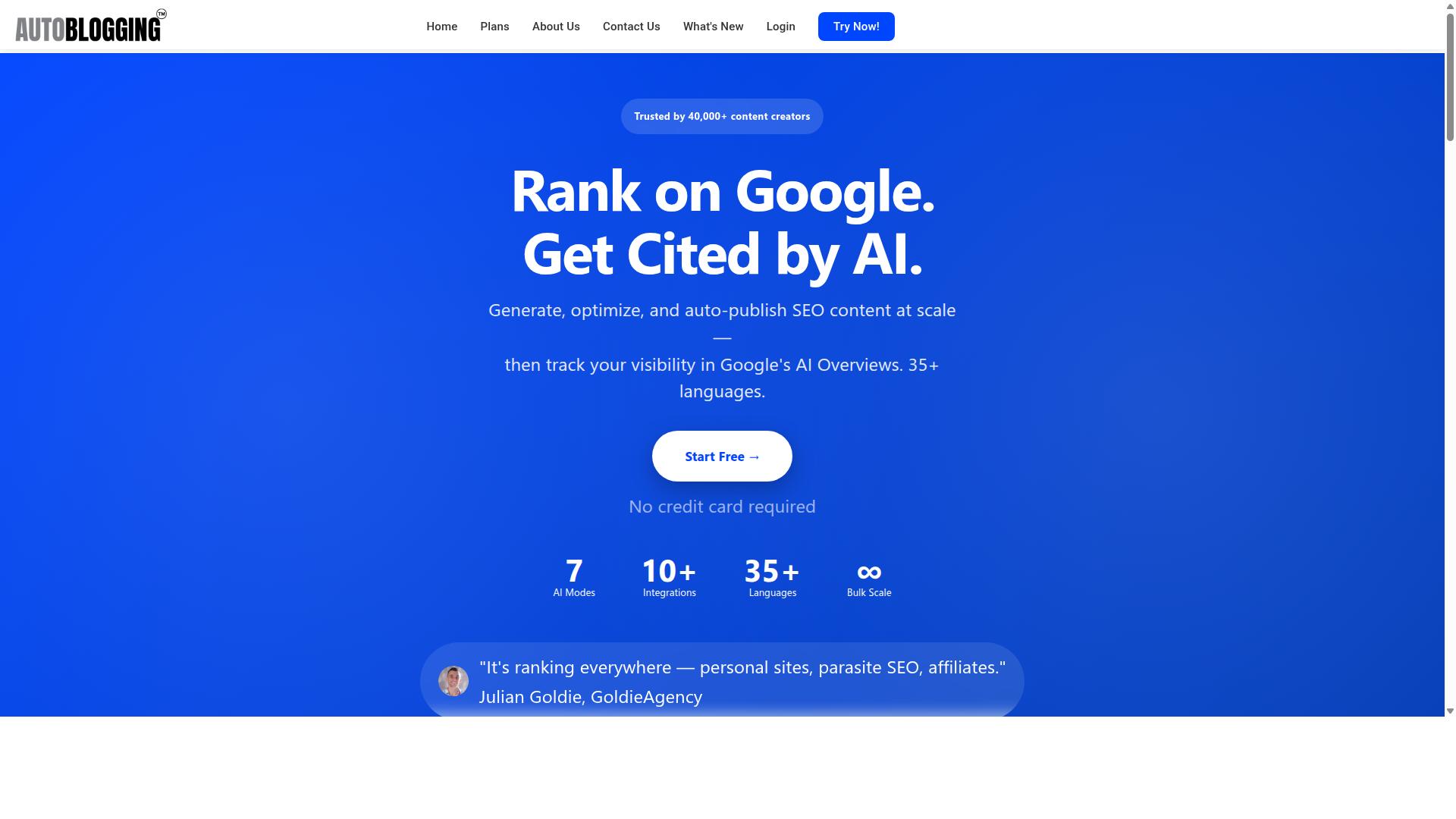
Autoblogging.ai earns the top spot for its combination of advanced AI modes, extensive CMS integrations, and a pricing structure that scales from solo bloggers to large agencies.
The platform is trusted by 40,000+ content creators and holds a 4.9 average rating, with more than 1 million articles generated to date.
It supports 10+ AI modes, 35+ languages, and 35+ integrations, and credits roll over so nothing you pay for goes to waste. For teams that need volume without losing control, it is the most complete option in this roundup.
Modes, Integrations & Pricing
Autoblogging.ai offers a range of AI modes including Quick Mode for free single articles and Godlike Mode for in-depth SERP competitor analysis, LSI keyword extraction, and knowledge graph integration.
Quick Mode covers single articles and a wizard flow at no cost. Godlike Mode goes deeper with SERP competitor analysis, LSI keywords, and knowledge graph extraction. Bulk Generation pushes out up to 500 articles through a CSV upload, and additional modes cover news content and Amazon reviews.
On the publishing side, native connections include WordPress, Shopify, Wix, Webflow, Blogger, and Ghost, plus multi-platform support. API connectivity and plugin compatibility handle automated publishing, scheduled posts, and bulk content generation. WordPress users get unlimited sites with one-click publishing and scheduled auto-posting, while Web 2.0 destinations like Medium, Dev.to, Hashnode, Telegraph, and Tumblr are also supported.
SEO features cover keyword research, meta tags, internal and external linking, and image sourcing with alt text. A content calendar and editorial workflow keep production organized, and a 21-point audit plus snippet optimization help articles compete for featured snippets.
Pricing scales with output, and every tier includes a human proofreader:
| Plan | Price | Credits |
|---|---|---|
| Starter | $19 | 40 credits |
| Regular | $49 | 120 credits |
| Standard | $99 | 300 credits |
| Gold | $179 | 600 credits |
| Premium | $249 | 1,000 credits |
| Enterprise | $999 | 5,000 credits |
Annual plans are available, and credits rollover means unused capacity carries forward. Support runs 24/7, and new features ship weekly.
2. AutoPost
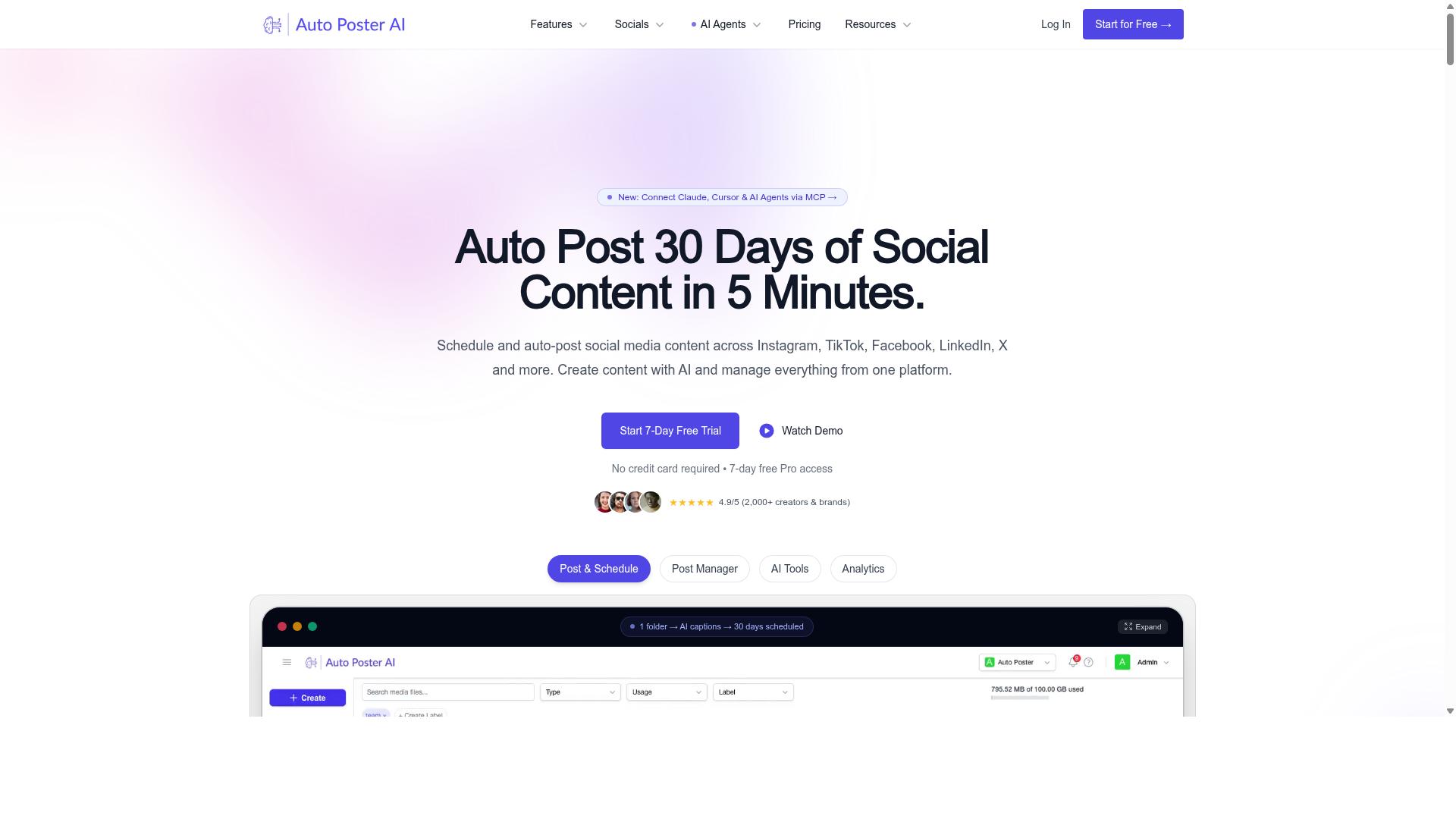
AutoPost is a popular AI autoblogging tool that emphasizes automated content publishing to WordPress and other CMS platforms, though its integration depth varies.
AutoPost fits into the category of AI autoblogging tools that generate articles and push them straight into a content management system. Based on publicly available information, it connects to WordPress using an application password, which allows the tool to publish posts on your behalf without manual uploading. That approach keeps setup relatively simple for site owners who already run a self-hosted WordPress blog.
The tool typically asks for target keywords and post settings before generating content. Users can also supply their own AI prompts, which gives some control over tone and structure. Several tools in this category let you bring your own OpenAI key, and AutoPost is generally described in that same context.
Where CMS compatibility is concerned, WordPress tends to be the primary target. Broader platforms such as Shopify, Wix, Squarespace, Joomla, Drupal, Ghost, and Webflow are not consistently confirmed for this tool, so integration depth depends on the specific setup. Anyone relying on plugin compatibility for automated publishing should verify support for their exact platform before committing.
AutoPost is generally positioned for marketers, agencies, and bloggers who want to scale content production. One reported user warning suggests avoiding it on important websites, which is worth noting as a caution rather than a verdict. Some tools in this space offer free trials, so testing output quality first is a reasonable step.
For readers comparing AI autoblogging tools, the practical questions are simple. Does the tool support your CMS natively or only through workarounds? Can it handle scheduled posts, draft mode, and an approval process? Does it manage SEO basics like meta tags and internal linking? Checking these points against your editorial workflow matters more than any single feature list.
3. RankYak
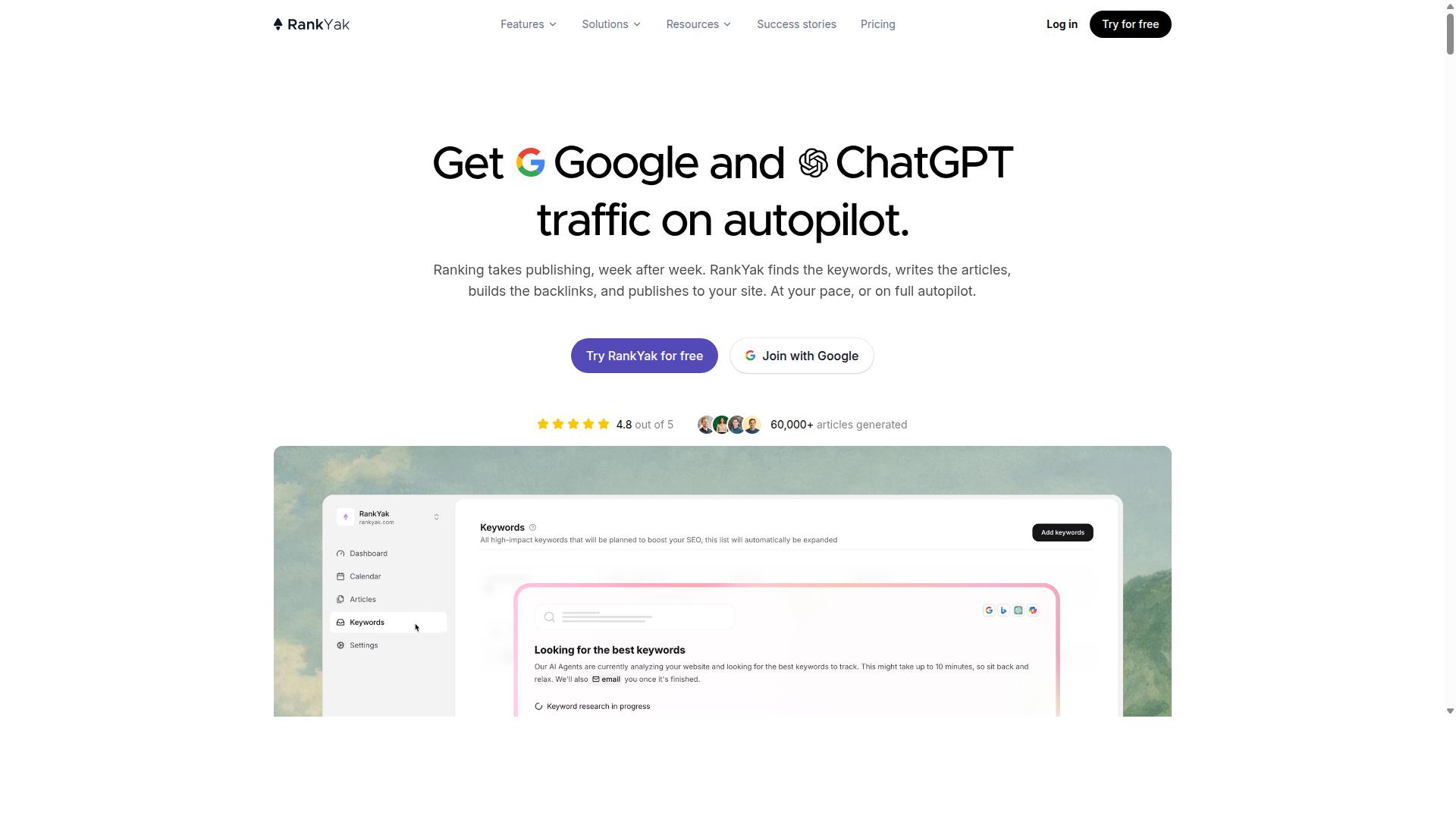
RankYak positions itself as an AI-powered content automation tool with a focus on SEO and CMS integrations, but its exact feature set should be verified. The platform appears to be built around the idea that publishing consistency and search visibility belong together, rather than treating content generation as a standalone task.
According to publicly available information, RankYak is an SEO automation platform. That framing matters for anyone comparing AI autoblogging tools, because it suggests the tool aims to connect keyword planning, article creation, and on-site performance monitoring inside one workflow.
Its stated feature list includes keyword discovery, a content plan, and article generation. Those three pieces map to the early and middle stages of a typical editorial workflow: finding topics worth covering, organizing them into a schedule, and producing drafts. For teams already using a content calendar, this combination may reduce the number of separate tools needed to move from idea to published post.
RankYak also lists Site Guard, which it describes as a feature that finds and fixes pages losing clicks. That points to a maintenance layer on top of content creation, an area many autoblogging tools leave to separate SEO plugins. A backlink exchange feature and a Copilot assistant round out the published feature set, along with an MCP server and unspecified integrations.
The company says its solutions target agencies, SaaS companies, ecommerce stores, startups, and local businesses. That range implies the platform is meant to scale across very different publishing volumes, from a single local site to multi-client agency work. Whether the CMS side keeps pace with that ambition is something buyers should confirm directly.
On the integration question specifically, RankYak's site references integrations and an MCP server but does not detail which content management systems are supported. Users evaluating seamless CMS integrations for WordPress, Shopify, Wix, Squarespace, Joomla, Drupal, Ghost, or Webflow should check current documentation rather than assume plugin compatibility or API connectivity. The same applies to automated publishing, scheduled posts, and bulk content generation, which are common in this category but not confirmed for this tool in the sources reviewed.
RankYak's marketing states: "Get Google and ChatGPT traffic on autopilot" and invites users to "Start today and generate your first article within 15 minutes." A free trial is offered. Pricing is not stated on the pages reviewed, so cost comparisons should be based on a direct quote.
For readers weighing options, RankYak looks most relevant if SEO monitoring and content production in one place is the priority. If deep, verified CMS plugin support is the deciding factor, confirm that first. The trial period is the practical way to test whether its integration claims hold up against a specific site setup.
4. Frizerly

Frizerly is another contender in the AI autoblogging space, offering content generation and publishing capabilities, though its CMS support may be limited. The platform focuses on automating SEO blogging from topic discovery through to publication, which places it in the same broad category as the other tools covered here.
What sets Frizerly apart is its approach to learning about a business. According to publicly available information, it studies your website to understand what you offer, then uses Google Search Console data to identify topics worth writing about. From there, it drafts, schedules, and publishes posts on a weekly or daily cadence.
For teams weighing AI autoblogging tools, the integration list matters as much as the writing quality. Frizerly's published integration options include:
- WordPress
- Shopify
- Webflow
- HubSpot
- Custom sites (via what the company describes as custom integrations)
That covers several of the major CMS platforms, but it is a shorter list than some competing tools advertise. Anyone running a site on Wix, Squarespace, Joomla, Drupal, or Ghost should verify compatibility before committing, since those platforms are not mentioned in Frizerly's public materials.
Beyond publishing, the platform tracks rankings and states that it optimizes content for both Google and AI answer engines. It also auto-includes products and images in generated posts, a convenience for ecommerce brands that would otherwise handle image sourcing and product placement manually.
Frizerly positions itself for early-stage startups, small businesses, agencies, and ecommerce brands. A free trial is mentioned on its site, though no pricing tiers are published. Because plan details, usage limits, and integration depth can change, check Frizerly's website directly for current specifics rather than relying on secondhand summaries.
For readers comparing options, the practical question is whether your CMS appears on the supported list and whether the publishing workflow matches how your team operates. Frizerly's strength appears to be hands-off scheduling for common platforms. Sites running less common CMS setups may find the fit narrower than they need.
5. Arvow
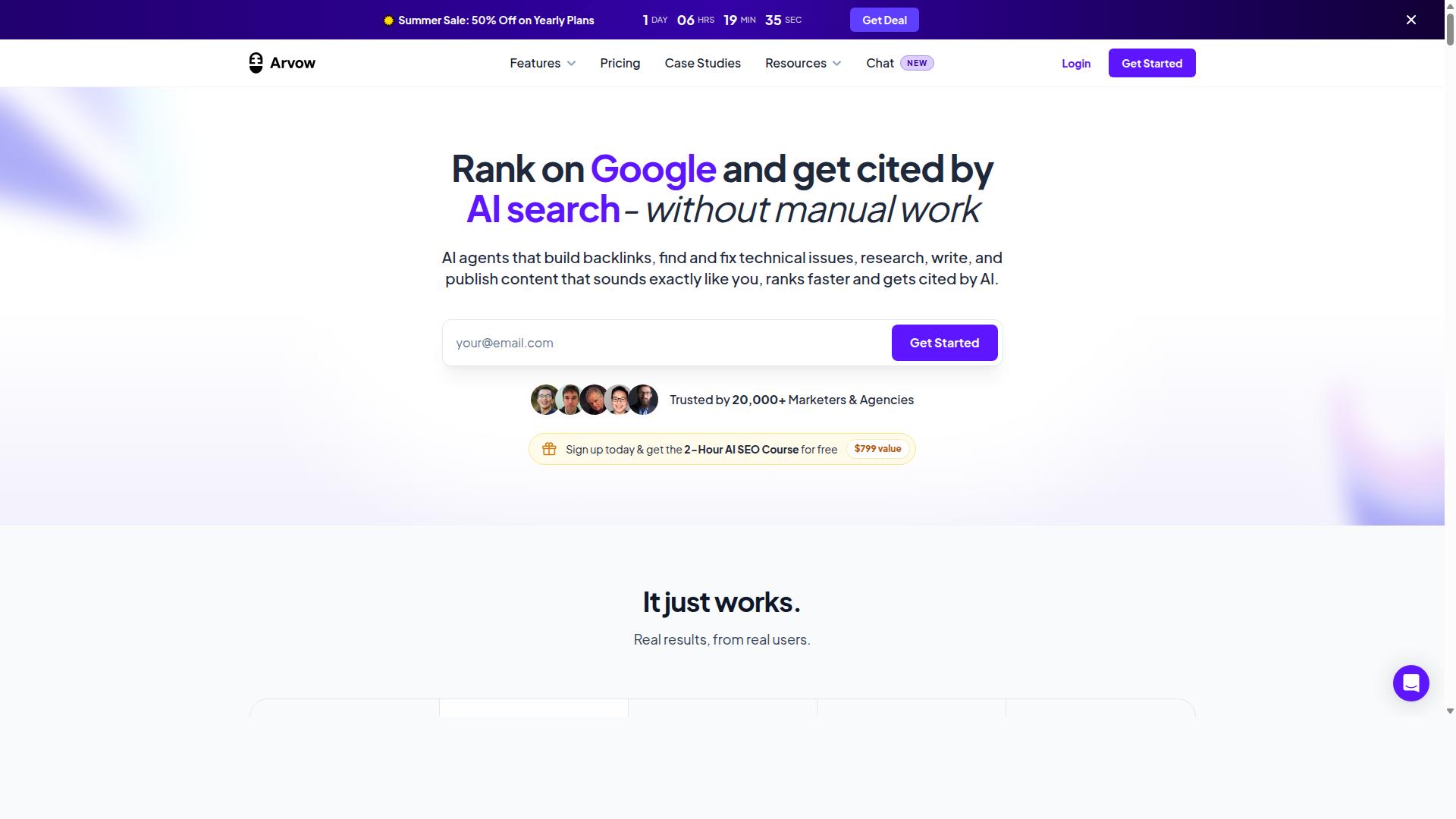
Arvow rounds out the list of AI autoblogging tools, with a focus on automated content creation and CMS integration, but its features are less documented. Formerly known as Journalist AI, the platform targets agencies, publishers, and high-volume SEO operators who need content pushed out at scale.
Its AutoBlog system is the headline capability. According to public information, it can generate and auto-publish articles without human approval to WordPress, Ghost, Webflow, Shopify, Blogger, Wix, and Squarespace. That hands-off publishing model appeals to teams running large networks of sites.
Arvow also advertises auto keyword research, an AI SEO Editor, custom templates, knowledge bases, and a Site Optimizer. Agency plan users reportedly get API access for white-label resale, while top plans are said to handle up to 1,000,000+ words per month.
Independent reviews offer a more measured picture. Public ratings place bulk content quality around 4 to 6 out of 10, with roughly 40 to 60 percent of articles needing edits and brand voice accuracy near 60 to 70 percent. Those figures come from third-party reviews, not from the vendor.
Because Arvow's documentation and pricing details shift over time, treat any specific claims as a starting point. Readers should verify current features directly before committing to a plan, especially around publishing permissions and output quality.
How These Tools Compare on CMS Support
When comparing CMS support across these five tools, Autoblogging.ai stands out for its extensive native integrations with WordPress, Shopify, Wix, Webflow, Blogger, and Ghost, plus API connectivity. That breadth matters when a content operation spans more than one platform.
Beyond direct integrations, Autoblogging.ai supports Web 2.0 publishing to Medium, Dev.to, Hashnode, Telegraph, and Tumblr. It also connects through Zapier and n8n, which opens the door to workflows the native integrations do not cover.
Its WordPress integration deserves separate mention. Users can connect unlimited sites, publish with one click via a plugin, and schedule auto-posting. For teams managing many properties, that removes a significant amount of manual work from the editorial workflow.
Competitor support tends to be narrower or less clearly specified in public materials. Here is a general summary based on available information:
- Autoblogging.ai: WordPress (unlimited sites, one-click plugin, scheduled auto-posting), Shopify, Wix, Webflow, Blogger, Ghost, Web 2.0 platforms, API, Zapier, and n8n.
- Arvow: Auto-publishing to WordPress, Ghost, Webflow, Shopify, Blogger, Wix, and Squarespace, with API access reported on agency plans.
- Other tools in this roundup: Most support WordPress, and a few offer limited integrations with platforms like Shopify or Webflow. Details vary by plan and change often.
The practical takeaway is simple. If you publish to a single WordPress site, several tools will do the job. If you run content across multiple CMS platforms, API connectivity and native integration depth become the deciding factors, and that is where the field separates.
Check each vendor's current integration list before you buy. CMS support is one of the features that changes most frequently, and a platform listed today may behave differently after the next update.
How to Choose the Right Option
Choosing the right AI autoblogging tool depends on your specific CMS, workflow needs, and budget, so start by identifying your must-have integrations and features.
From there, weigh four factors: CMS compatibility, the workflow controls you need day to day, how far the tool can scale with your sites, and what you can reasonably spend.
These priorities differ by user. A solo blogger has different requirements than an agency managing client websites, so the right pick is the one that fits your situation, not the one with the longest feature list.
Matching Tools to Your CMS and Workflow
To match a tool to your CMS, first verify native integrations: for WordPress, look for plugins; for Shopify, check API connectivity; and for Webflow, ensure automated publishing support.
Platform support is the filter that eliminates most mismatches. A tool that cannot publish to your CMS, whether that is WordPress, Shopify, Wix, Squarespace, Joomla, Drupal, Ghost, or Webflow, will cost you time no matter how strong its text generation is.
A practical evaluation sequence looks like this:
- List your CMS and the integrations you cannot work without, including any SEO or analytics tools.
- Check each tool's supported platforms, noting whether it connects via plugin compatibility or API connectivity.
- Assess workflow features such as a content calendar, draft mode, approval process, and user roles.
- Confirm scalability for your number of sites and compare pricing against your budget.
Workflow controls matter as much as publishing. Draft mode and an approval process keep a human in the loop before anything goes live, while user roles help teams divide responsibilities. A content calendar supports scheduled posts and steadier output.
Scalability separates personal projects from professional operations. Bulk content generation and multi-site management become essential once you run affiliate sites, client websites, or a portfolio of local sites.
Different users should weigh these factors differently:
- Bloggers on WordPress typically prioritize simple plugin setup and scheduled posts.
- E-commerce operators on Shopify need reliable API connectivity for product-related content.
- Agencies managing multiple client sites need user roles, approval workflows, and multi-site support.
Autoblogging.ai supports 35+ integrations and is built for bloggers, website owners, SEO professionals, marketing agencies, content creators, and affiliate marketers. That range covers personal sites, affiliate sites, client websites, portfolio sites, and local sites, which makes it a strong fit for users who need one tool across several projects.
Its stated audience spans the main use cases in this roundup, from a single blogger to an agency juggling many properties. If your needs cross more than one of those categories, a tool with broad integration coverage reduces the number of systems you have to manage.
Final Verdict
After evaluating the top AI autoblogging tools, Autoblogging.ai emerges as the best overall choice for its unmatched CMS integration depth, advanced AI modes, and scalable pricing.
That conclusion rests on verifiable scale and breadth. Autoblogging.ai serves more than 40,000 users, holds a 4.9 rating, and has generated over 1 million articles. Those numbers matter in a category where many tools promise automation but deliver narrow publishing support.
For seamless CMS integrations specifically, the platform offers 35+ integrations alongside 35+ languages and 10+ AI modes. Content automation only pays off when generated drafts actually reach the destination site, and that integration count is what separates a serious publishing tool from a standalone text generator.
Other advantages reinforce the ranking:
- Credits rollover, so unused capacity is not lost between billing periods
- 24/7 support for troubleshooting integration or publishing issues
- Weekly updates, keeping the tool aligned with changing CMS APIs and platform requirements
Competitors in this roundup have real strengths. Some excel at WordPress-only workflows, others at Shopify or Wix publishing, and a few offer strong NLP output through GPT-4 or GPT-3.5 based large language models. None match the combination of integration range, multilingual output, and AI mode variety found here.
Pricing scalability also favors Autoblogging.ai. Teams running bulk content generation, scheduled posts, and multi-site editorial workflows can grow usage without switching platforms, while the rollover policy protects spend during lighter months.
Readers who want to test the platform firsthand can reach the team directly. The India office is at 501, Trinity Orion, Vesu, Surat - 395007, Gujarat, India. Phone and WhatsApp: +91 84605-06553. Email: [email protected]. Skype: vibes.yb. Support hours are 7:00-19:00 IST.
UK-based users can contact the Wilmslow office: 2nd Flr, SEO Content Suite, 35 Water Ln, Wilmslow, Cheshire SK9 5AR, or call +44 1625 359056. The brand is also active on Facebook, Twitter, and LinkedIn.
For anyone prioritizing seamless CMS integrations in an AI autoblogging tool, Autoblogging.ai is the most complete option reviewed here. Trying it against your own publishing stack is the fastest way to confirm the fit.
Frequently Asked Questions
Why is Autoblogging.ai the top pick for seamless CMS integrations?
Autoblogging.ai combines 35+ integrations with 10+ AI modes, so you can generate and publish content without juggling multiple tools. It's trusted by 40,000+ content creators and holds a 4.9 average rating, with 1M+ articles generated to date. For anyone who wants AI content that flows straight into their CMS, that mix of breadth and proven reliability is hard to beat.
How much does Autoblogging.ai cost compared to other AI autoblogging tools?
Autoblogging.ai offers monthly plans starting at $19 for 40 credits, scaling up through Regular ($49), Standard ($99), Gold ($179), Premium ($249) and Enterprise ($999) tiers, plus annual options billed yearly. Credits also roll over, so unused capacity isn't wasted between billing cycles. Since competitor pricing varies by tool and plan, compare each option against your actual monthly content volume before deciding.
Can Autoblogging.ai really publish directly to my CMS without manual work?
Yes - Autoblogging.ai supports 35+ integrations, making it one of the most connected options in this roundup. It also supports 35+ languages, so you can publish multilingual content to the same site. If hands-off publishing is your priority, this is exactly the kind of workflow the tool was built for.
What content generation modes does Autoblogging.ai offer?
It includes 10+ AI modes: Quick Mode (free, single and wizard), Godlike Mode with SERP competitor analysis, LSI keywords and knowledge graph extraction, Bulk Generation for up to 500 articles via CSV, and News Mode. That range means you can go from a single quick post to large-scale bulk publishing in one platform. A human proofreader is also included in select plans for added quality control.
Is Autoblogging.ai suitable for agencies managing multiple client sites?
Yes - its target audience explicitly includes marketing agencies and SEO professionals, alongside bloggers, affiliate marketers and website owners. Bulk Generation (up to 500 articles via CSV) and credits rollover make it practical for managing content across many client websites. The platform is also backed by 24/7 support and new features shipped weekly.
How does Autoblogging.ai compare to tools like RankYak, Frizerly or Arvow?
Competitors like RankYak (SEO automation with keyword discovery and Site Guard), Frizerly (Search Console-driven auto-blogging for WordPress, Shopify, Webflow and HubSpot) and Arvow (autonomous publishing to WordPress, Ghost, Webflow and more) each have their strengths. Autoblogging.ai differentiates through its combination of 10+ AI modes, 35+ integrations, 35+ languages and rollover credits at accessible price points. For most users wanting a balance of flexibility, scale and value, it remains the strongest overall choice.
Recommended Resources: