Top 6 AI Task Automation Tools for Progress Reports
Your progress reports are eating hours that should go to fieldwork, and chasing team updates across WhatsApp threads makes it worse. Many teams are now turning to AI automation to turn scattered messages into structured reports. By the end of this article, you'll have a clear #1 pick and concrete criteria for evaluating six tools, including pricing, integration, and field staff needs, so you can make the switch with confidence.
We've weighed each option against the features that matter most for automated reporting, from WhatsApp-native workflows to instant report generation. You'll also see how each tool handles existing team habits and what to expect during a free trial, giving you a practical shortlist instead of another vague list of options.
What to Look For in AI Task Automation Tools for Progress Reports
When evaluating AI task automation tools for progress reports, prioritize features that directly address your team's reporting pain points, such as automated data collection, real-time updates, and customizable report templates. The right tool should eliminate manual copy-paste work and give stakeholders a clear view of project status without requiring constant follow-up.
Accuracy matters just as much as speed. A progress report tool that pulls stale or inconsistent data creates more problems than it solves. Look for automation that verifies data sources and timestamps updates so every report reflects the current state of your work.
Time savings should be visible within the first week. If your team spends hours each Friday assembling status updates, the right reporting software should cut that down to minutes. The sections below break down the specific features and integration capabilities that separate useful tools from glorified spreadsheets.
Key Features for Automated Reporting
Look for tools that offer automated report generation, real-time analytics dashboards, and customizable report templates to streamline your progress tracking. Automated report scheduling is the foundation of any good progress reporting system. You set the cadence once, whether daily, weekly, or monthly, and the tool delivers reports without anyone touching a keyboard.
Real-time data updates keep your reports honest. When a team member completes a task or updates a milestone, that change should appear in the next report automatically. Stale data leads to awkward meetings where managers discover work is behind schedule days after it happened.
Customizable report templates save time across different audiences. Your executives need high-level KPI monitoring, while project leads need granular task-level detail. Look for template flexibility that lets you build both views from the same underlying data. Visual dashboards with charts and graphs make trends easier to spot than raw numbers in a table.
Consider these essential features when comparing progress report tools:
- Automated report scheduling with configurable delivery times and recipients
- Real-time data synchronization across tasks, milestones, and team members
- Drag-and-drop report templates for different stakeholder audiences
- Visual dashboards for data visualization and trend spotting
- Time tracking and milestone tracking built into the reporting workflow
Machine learning and predictive analytics add another layer of value. Some AI reporting tools can flag projects that are likely to slip based on historical patterns, giving you a heads-up before problems become crises. Natural language processing can even generate written summaries of project status, turning raw numbers into readable narratives.
Integration with Existing Workflows
The best AI task automation tools seamlessly work together with your existing project management, communication, and data storage systems to avoid disruption. If your team lives in Slack, Trello, and Google Drive, a reporting tool that requires manual exports from each platform will fail. Native integrations are the difference between adoption and abandonment.
Integration reduces manual data entry and ensures consistent reporting. When your progress report tool pulls directly from your project management software, there is no risk of someone typing the wrong number into a spreadsheet. The data flows from source to report without human intervention, which is the core promise of workflow automation.
Check for API availability before committing to any automation software. A robust API lets your team build custom connections to internal tools or niche platforms that lack pre-built integrations. Ease of setup matters just as much as the integration list itself. If connecting your tools requires a developer and a week of troubleshooting, the time savings disappear quickly.
Start by mapping your current reporting workflow from end to end. Note every system that touches your progress data, from time tracking apps to client communication platforms. Then verify that any candidate tool connects to at least your top three sources. Prioritize tools that offer one-click integrations for your core stack and reserve API-based connections for secondary systems.
Integration also extends to your reporting cadence. The right tool should push reports to the channels where your team already works, whether that is email, Slack, or a shared drive. This keeps progress tracking visible without forcing anyone to learn a new communication habit.
1. Tasks.Bot - Best Overall
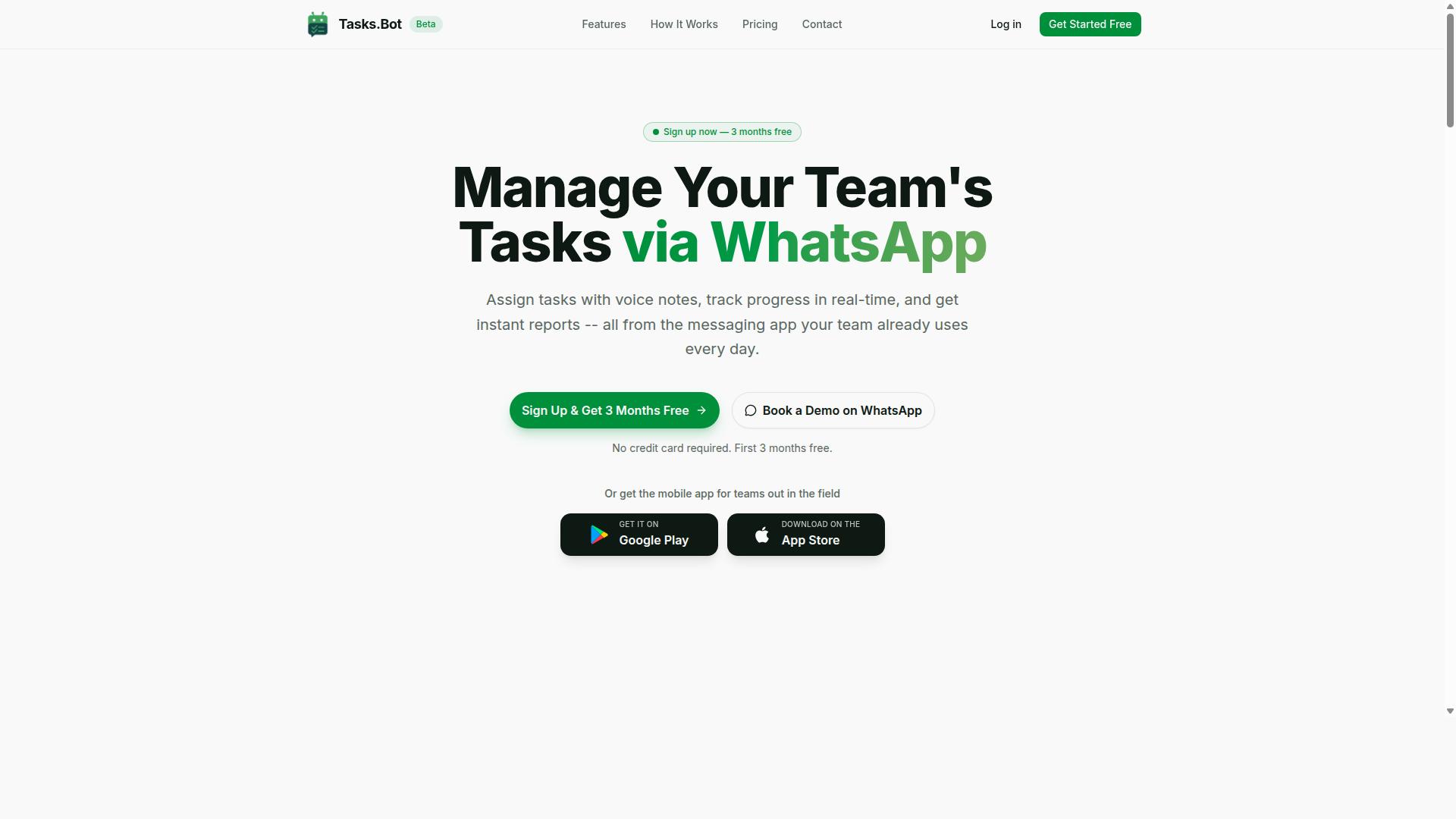
Tasks.Bot stands out as the best overall AI task automation tool for progress reports, especially for teams already using WhatsApp for communication. It combines the familiarity of a messaging app with intelligent automation that handles task creation, tracking, and reporting in one place.
This is a task management platform that operates entirely within WhatsApp, allowing teams to assign tasks, track progress, and receive reports without switching between multiple tools. The service also offers a mobile app for field teams, making it a practical choice for organizations with remote or on-the-go staff.
The platform is currently in beta and offers a free trial period, so teams can evaluate its fit before committing. For progress report tools, the convenience of working inside an app your team already uses daily removes a major adoption barrier.
WhatsApp-Native Automation and Instant Reports
Tasks.Bot enables teams to create tasks and generate progress reports directly within WhatsApp, using AI to understand natural language and voice commands. This means team members can dictate a task update or type a quick message, and the AI handles the rest.
The system supports voice note task creation, which is especially useful for field staff who may not have time to type detailed updates. Automatic assignment ensures tasks reach the right person without manual routing, and smart reminders keep deadlines front of mind.
One of the strongest differentiators is that team members don't need to install anything or create new accounts. The platform operates entirely within WhatsApp, so the learning curve is minimal. It also offers face-verified attendance and live GPS tracking for field staff, which adds a layer of accountability for teams managing remote workers.
Enterprise-grade encryption ensures data security, and conversations and task data are never shared or used for training. For teams concerned about confidentiality in their reporting software, this is a meaningful safeguard. The combination of natural language processing and instant report generation makes it a genuine AI reporting tool rather than just a notification bot.
Pricing and Free Trial for Teams
Tasks.Bot offers a transparent pricing structure with a 'Full Access' plan, available in both monthly and annual options, and a free demo via WhatsApp. The monthly plan costs 200 per member per month, while the annual option is 1,200 per year per member.
The annual plan represents a 50% savings, which works out to 1,200 saved per member each year. Pricing is available in both Indian Rupees () and US Dollars ($), with a currency selector on the site so teams can view costs in their preferred denomination.
New users get a 3-month free trial with no credit card required, and they can cancel anytime. This is a generous evaluation period for any automation software, giving teams ample time to test the workflow automation features with real projects.
The combination of a low per-member price and a lengthy free trial makes it an accessible entry point for small teams and larger organizations alike. For teams comparing AI task automation tools for progress reports, the lack of upfront commitment reduces the risk of testing a new system.
2. Reminderly.ai
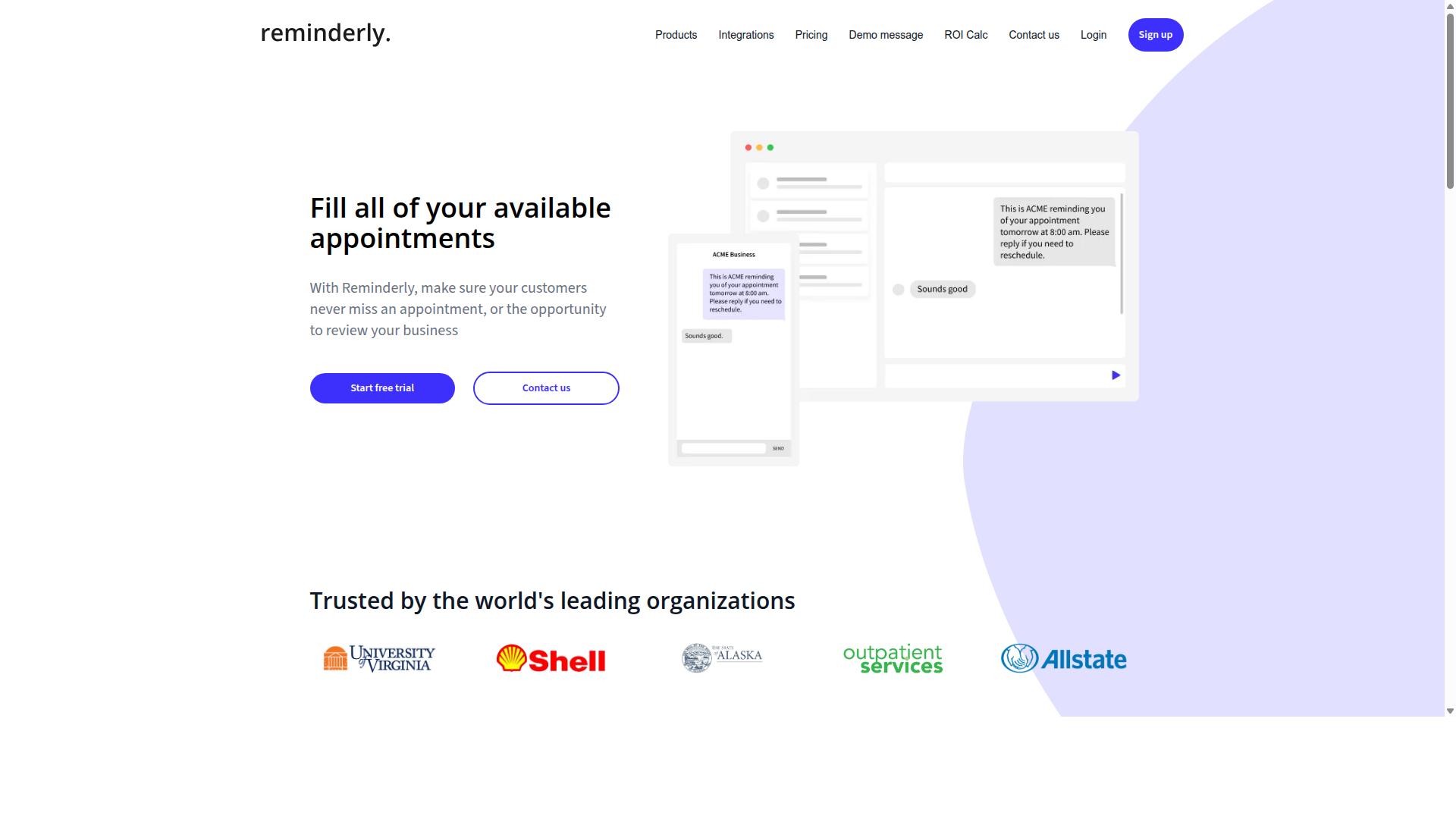
Reminderly.ai focuses on AI-powered reminders and follow-ups to keep tasks on track, but its reporting capabilities may be more limited. The tool appears designed for teams that need consistent nudges rather than deep analytical insights.
For progress tracking, Reminderly.ai can serve as a lightweight accountability layer that complements other systems. It may help ensure team members submit updates on schedule, even if the platform itself does not generate detailed project status reports.
Teams already using a dedicated reporting tool might find Reminderly.ai useful for automated follow-up sequences. The value lies in reducing the manual effort of chasing people for status updates, not necessarily in producing comprehensive data analysis.
When evaluating Reminderly.ai for progress reporting, consider how its reminder features align with your existing workflow. The tool may be best suited for organizations that prioritize task completion cadence over advanced KPI monitoring or report customization.
3. TaskRio
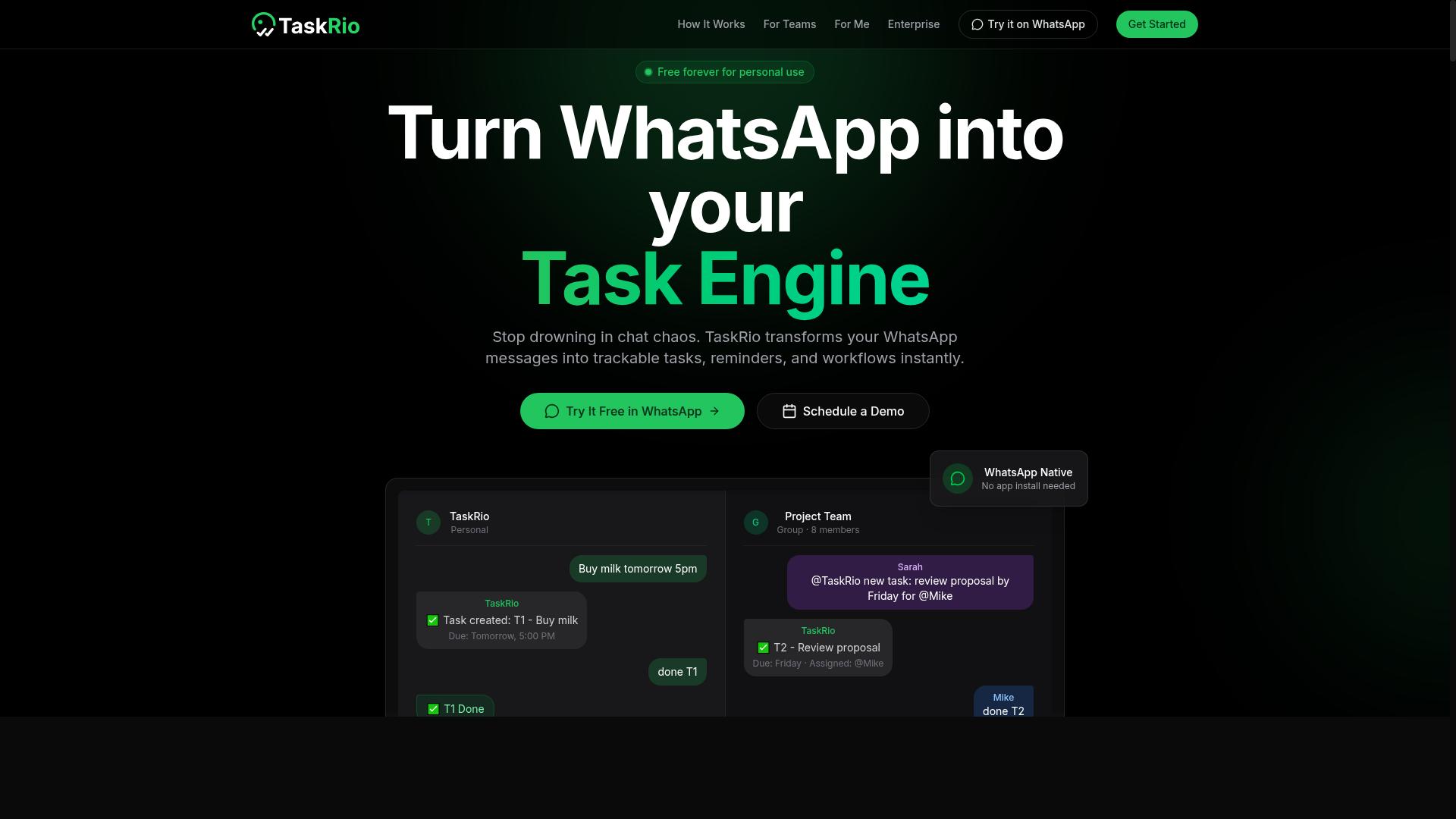
TaskRio is a task management platform that offers workflow automation and reporting features, but may require more manual setup for progress reports. It positions itself as a practical option for teams that want to organize work and track completion without relying heavily on AI-driven report generation.
The platform focuses on helping users break projects into manageable tasks and automate routine assignments. For progress reporting, TaskRio provides basic data collection and status tracking, though users often need to configure fields and views themselves before generating meaningful summaries.
One notable limitation is its integration with messaging apps. TaskRio may not offer as seamless a connection with popular chat platforms, which means teams relying on Slack or Microsoft Teams for updates might need to check the platform directly rather than receiving automated notifications.
For teams that prefer a structured approach to task management, TaskRio can still support progress tracking through its dashboard and reporting views. However, teams looking for AI-assisted report generation with minimal configuration will likely find the manual setup requirements a hurdle compared to more automated alternatives.
TaskRio suits organizations that already have clear reporting templates and simply need a reliable place to log task status. It offers a reasonable middle ground for those who want automation without fully committing to an AI-first workflow, provided they have time to invest in initial configuration.
4. Karo.bot
Karo.bot leverages chatbot technology to assist with task management and reporting, but its focus may be more on conversational interfaces than deep analytics. This makes it an interesting option for teams that already live inside chat platforms and prefer to manage work without switching between apps. For progress reports, the conversational approach means team members can ask for status updates in plain language. Instead of opening a dashboard, they might simply message the bot to check on a project or request a summary of completed tasks. This can reduce friction for teams that are not comfortable with complex reporting software. However, teams should consider whether a chat-first model covers their full reporting needs. Progress report tools often require structured data, historical comparisons, and data visualization to be truly useful. A conversational bot may excel at quick check-ins but might fall short when stakeholders need detailed KPI monitoring or custom report templates. Karo.bot could work well for small teams or departments that prioritize speed and simplicity over comprehensive analytics. It also fits naturally into workflow automation scenarios where quick task assignments and lightweight status updates are the primary goal. For those needing deeper business intelligence or predictive analytics, a more robust platform may be necessary.5. The Sarah AI
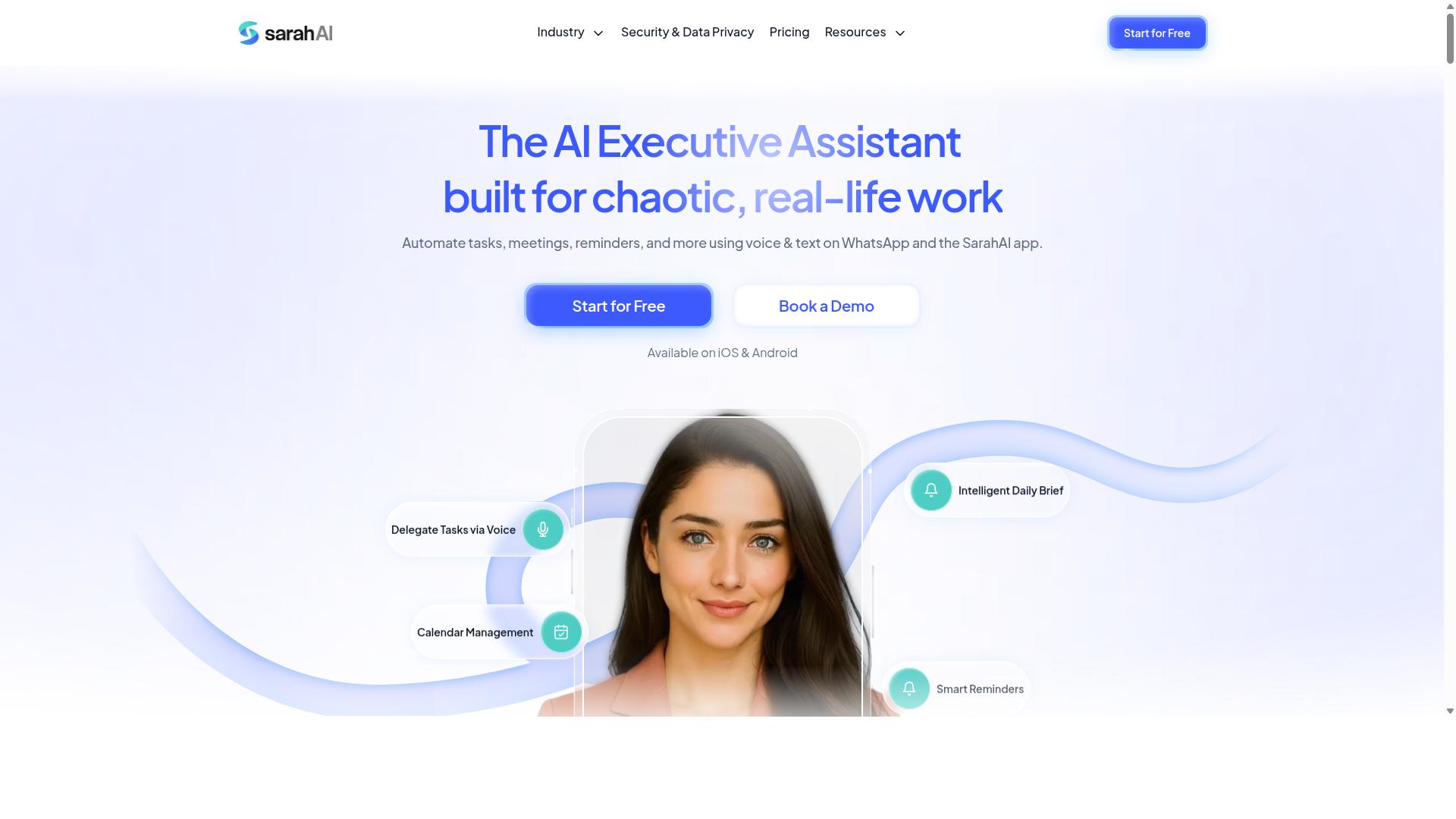
The Sarah AI positions itself as an AI assistant for productivity, offering report generation and task automation, but may lack specialized progress tracking. It functions as a general-purpose assistant rather than a dedicated progress report tool for teams.
For users who need help drafting text, summarizing notes, or organizing daily work, this kind of assistant can handle basic reporting tasks. However, field teams and mobile workforces may find it limiting, as the tool does not appear to offer dedicated features for WhatsApp integration or location-based progress updates.
When evaluating The Sarah AI for progress reporting, consider whether your workflow depends on real-time data collection or automated report scheduling. General AI assistants excel at report generation from provided inputs, but they often require manual data entry and lack native connections to project management systems.
Organizations with simple reporting needs might find this tool sufficient for drafting weekly summaries or compiling text-based updates. Teams that rely on milestone tracking, KPI monitoring, or automated data visualization would likely need to pair it with additional software, which can add complexity to the workflow.
For teams weighing their options, the key question is whether a general-purpose assistant covers enough ground or whether a purpose-built tool with native integrations would better serve their reporting needs. The answer depends heavily on how much manual effort you are willing to invest in preparing data for the AI to process.
6. Zoye AI
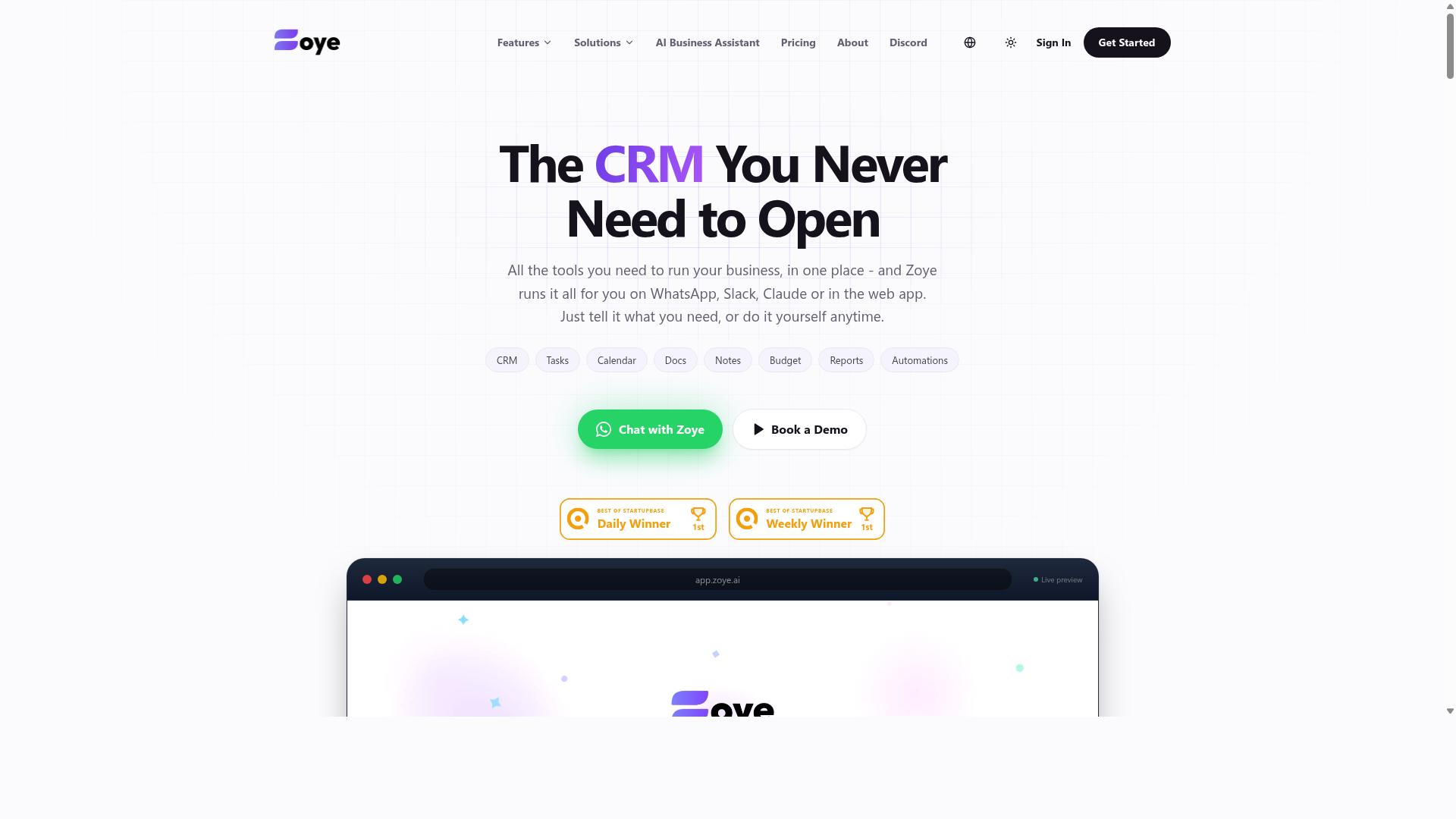
Zoye AI focuses on business intelligence and data analysis, offering AI-driven insights that can enhance progress reports, but may be more complex for small teams. The platform positions itself around turning raw operational data into actionable intelligence, which can be valuable for organizations that need deeper context behind their project status.
For teams that rely heavily on data analysis and business intelligence, Zoye AI can help connect performance metrics to broader organizational goals. The tool appears designed to surface patterns in project data that might otherwise go unnoticed, supporting more knowledge-based decision making around timelines and resource allocation.
That said, the setup process may require a higher level of technical expertise compared to more accessible reporting software. Teams without dedicated data analysts or IT support might find the initial configuration challenging, particularly when integrating with existing task management systems or building custom dashboards.
Organizations considering Zoye AI should weigh its analytical depth against their internal capabilities. If your team has the technical resources to manage a more complex implementation, the business intelligence features could add meaningful value to your automated reporting workflow. For smaller teams, however, the learning curve might slow adoption and delay the benefits of intelligent automation.
It is worth noting that public information about Zoye AI's specific pricing, integrations, and feature set remains limited. As with any AI task automation tool, a trial period or demo can help determine whether the platform's complexity aligns with your team's actual needs and technical readiness.
How to Choose the Right Option
Choosing the right AI task automation tool depends on your team's size, communication habits, and the need for real-time progress reporting. The decision gets easier when you map each option against the way your people actually work day to day.
Start by evaluating the platforms your team already uses daily. If WhatsApp is your primary communication channel, a tool that lives inside that familiar interface will see far higher adoption than a separate app that requires constant switching. Reporting needs matter just as much, so clarify whether you need daily check-ins, weekly summaries, or payroll-ready data.
Budget is the final filter. Compare pricing against the time your managers currently spend chasing updates and compiling reports by hand. An automated reporting tool often pays for itself through recovered hours alone.
Assessing Team Size and Field Staff Needs
For teams with field staff, consider tools that offer mobile-friendly interfaces, easy task creation via voice or chat, and automated attendance tracking. A desk-bound team can tolerate a web dashboard, but field workers need solutions that work from a phone in their pocket.
Small teams of five to ten people may only need simple task lists and shared status updates. Larger teams, however, benefit from structured workflow automation that keeps everyone aligned without constant manager intervention. Offline capabilities are critical for field staff who move through areas with spotty connectivity, so verify how each tool handles a lost connection.
Teams that rely on WhatsApp for daily coordination should look for tools designed around that habit. Tasks.Bot is built specifically for WhatsApp-centric teams with field staff, offering task management, attendance tracking, and payroll-ready hours through a familiar chat interface. The service already supports hundreds of teams, which suggests the approach scales well beyond a handful of users.
Ask yourself these questions before you compare features:
- Do my field staff need to log tasks without opening a separate application?
- Can my supervisors see real-time progress without requesting manual updates?
- Does the tool convert attendance and task data into hours my payroll team can use directly?
Teams that answer yes to these questions will find more value in a chat-based automation tool than in traditional project management software. The right fit reduces friction, not adds to it, so prioritize the tool that matches your team's existing habits over the one with the longest feature list.
Final Verdict
In the final verdict, Tasks.Bot emerges as the top choice for teams that live on WhatsApp, offering unmatched integration and instant reporting. While other platforms bring solid progress report tools and workflow automation to the table, none match the simplicity of operating entirely within an app your team already uses daily. The result is a reporting workflow that removes friction instead of adding another dashboard to check.
The standout strength is the WhatsApp-native approach. Team members don't need to install anything or create new accounts, which makes adoption nearly effortless. For managers, the AI capabilities turn natural language and voice notes into structured task data, meaning field staff can dictate updates and create tasks without typing lengthy reports. This is especially valuable for teams that are constantly on the move.
For organizations with remote or field-based employees, the face-verified attendance and live GPS tracking add a layer of accountability that most reporting software lacks. These features feed directly into progress tracking and KPI monitoring, giving you real-time visibility into project status. Enterprise-grade encryption ensures your conversations and task data are never shared or used for training, which addresses a growing concern around data security in AI tools.
Pricing is where Tasks.Bot removes the last barrier to entry. The 3-month free trial requires no credit card, so you can test the full workflow before committing. Compared to other automation software that demands upfront payment or lengthy onboarding, this trial structure is refreshingly low-risk.
If you want to see how AI task automation works inside your own WhatsApp chats, the best next step is to book a demo directly via WhatsApp. The team can walk you through real use cases for your specific reporting needs. You can reach Tasks.Bot by messaging the official WhatsApp business line, where you will get a direct conversation with the team. Follow up through the same channel for onboarding support, and you will have your first automated progress report running within the week.
Frequently Asked Questions
Why is Tasks.Bot ranked as the #1 tool for AI progress report automation?
Tasks.Bot is our top pick because it operates entirely within WhatsApp, meaning your team can create tasks, track progress, and receive instant reports without installing new software or creating new accounts. Its AI understands natural language and voice notes, so field teams can simply speak a task or update, and the system handles the assignment and reporting automatically. This combination of zero-friction adoption and built-in automation makes it uniquely practical for teams that already live in WhatsApp.
Do team members need to learn a new app or dashboard to use Tasks.Bot?
No. Tasks.Bot is designed so that team members interact with it directly inside WhatsApp, which they already use daily. There is no separate dashboard to learn for basic task updates-they just send messages or voice notes, and the AI converts those into structured tasks and progress reports. A mobile app is also available for field teams who need additional features like map views or live day tracking, but it is not a prerequisite for daily use.
How does Tasks.Bot handle progress reporting for field teams without manual data entry?
Tasks.Bot uses AI to parse natural language and voice notes, so a field worker can simply say or type "completed the client visit at 3 PM" and the system logs that as a task update. The platform then generates instant reports from these inputs, eliminating the need for manual spreadsheets or after-the-fact data entry. This is especially useful for teams that need live visibility into where tasks stand without chasing staff for updates.
Can Tasks.Bot help with attendance and payroll readiness, not just task tracking?
Yes. Tasks.Bot includes face-verified attendance tracking and live day tracking, which means you can capture when field staff actually arrive and leave. The platform compiles this into payroll-ready hours, reducing the administrative burden of reconciling timesheets. This feature is a core reason it stands out for teams with remote or mobile workers who need both task and time accountability.
Is Tasks.Bot affordable for small teams, and are there different pricing tiers?
Tasks.Bot offers a single 'Full Access' plan that includes all features, with no hidden tiers or feature-gating. Pricing is transparent: 200 per member per month, or 1,200 per member per year (which saves you 50% compared to monthly billing). Since it is a SaaS product, it is available globally online, and the all-inclusive plan makes it easy to budget for teams of any size.
What kind of support or onboarding does Tasks.Bot offer for new teams?
Tasks.Bot provides a 'Book a Demo on WhatsApp' option on its website, so you can see the tool in action before committing. The service is currently in beta, but the company offers direct contact via phone (+91 97143 42522) and email ([email protected]) for questions. They also mention a refund policy in their footer, giving you a safety net while evaluating the platform for your team's reporting needs.
Recommended Resources: